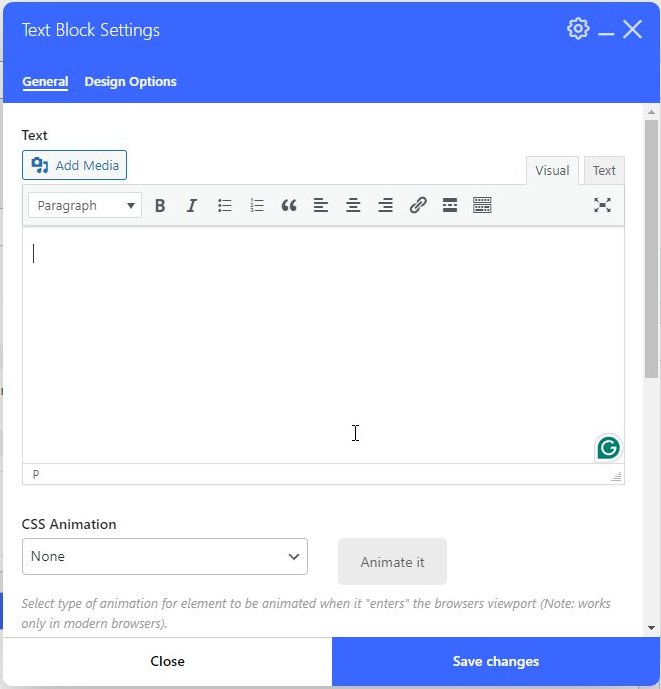
The text editor is a pretty standard WYSIWYG editor. You can select a font size, apply bold and italics style to a word or words, create ordered (numbered) and unordered (bulleted) lists, align content, and add links.
Text Editor
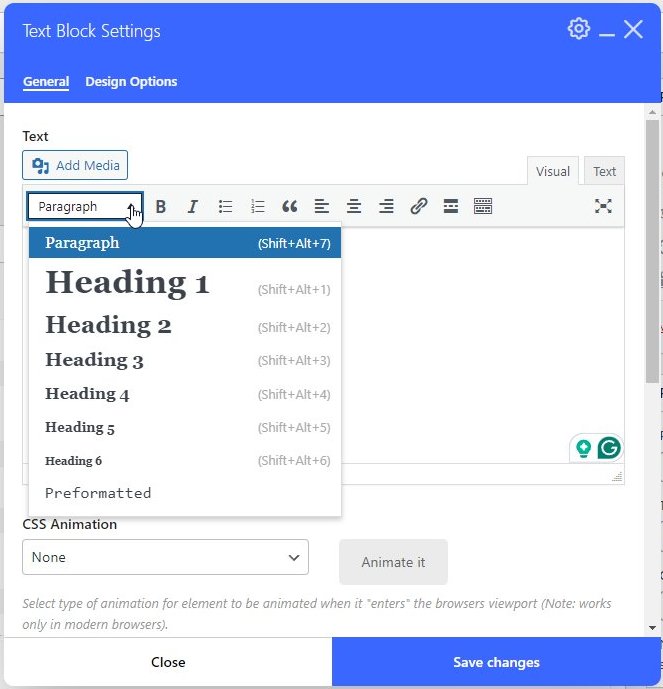
All the font styles are automatically formatted to the size and style of the template. The styles will render correctly on the web page but not in the editor.
Paragraph is the default style, but you can set the style to a larger size using the Heading 1 through 6 styles. Search engines see these heading styles as beginnings of sections in order of importance and index the page accordingly.
- Heading 1 – Used for page titles
- Heading 2 – Used for section titles
- Heading 3 – Used for section sub-titles
- Heading 4-6 are not used as often but decrease in size proportionately to the other Heading styles.
Heading styles will make the text appear on a separate line.
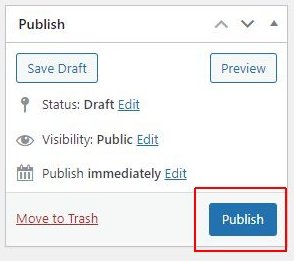
Click the Publish (or Update) button in the right navigation area to save all the changes to the page.