Buttons are a great way to call attention to a link like buying tickets or making a donation.
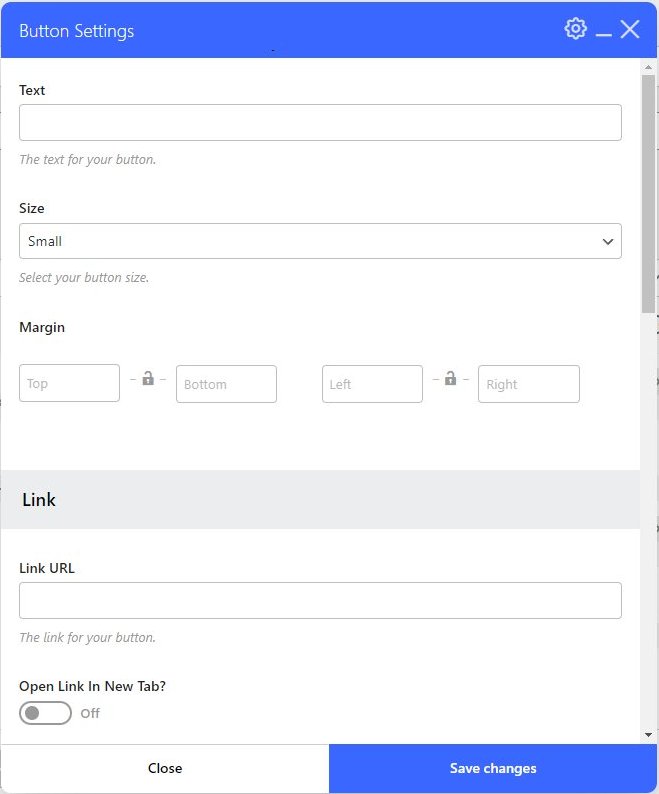
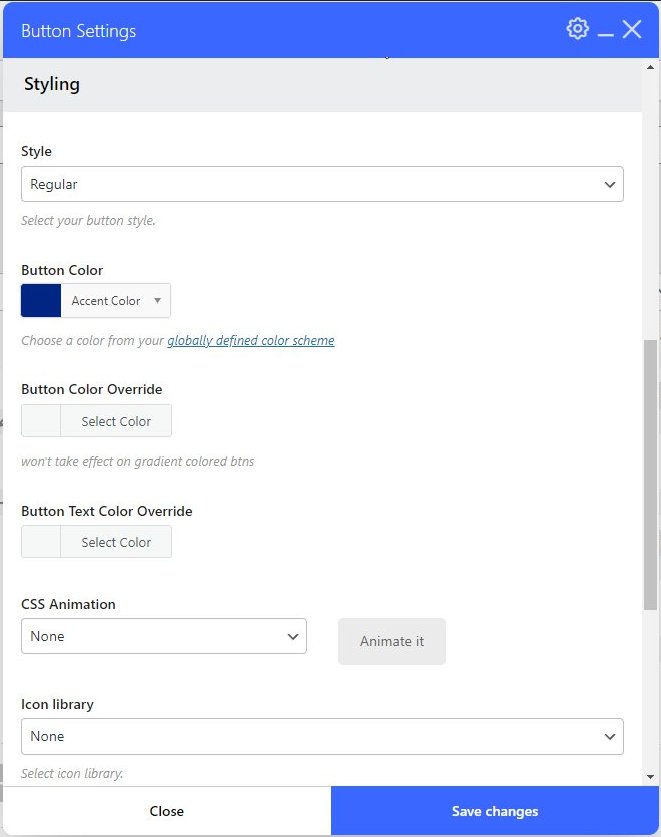
The Button controls allow you to enter the text that appears on the button, select a button size, add a link, and define if the link will open in a new tab.
Tip: Jumbo button size usually works best.