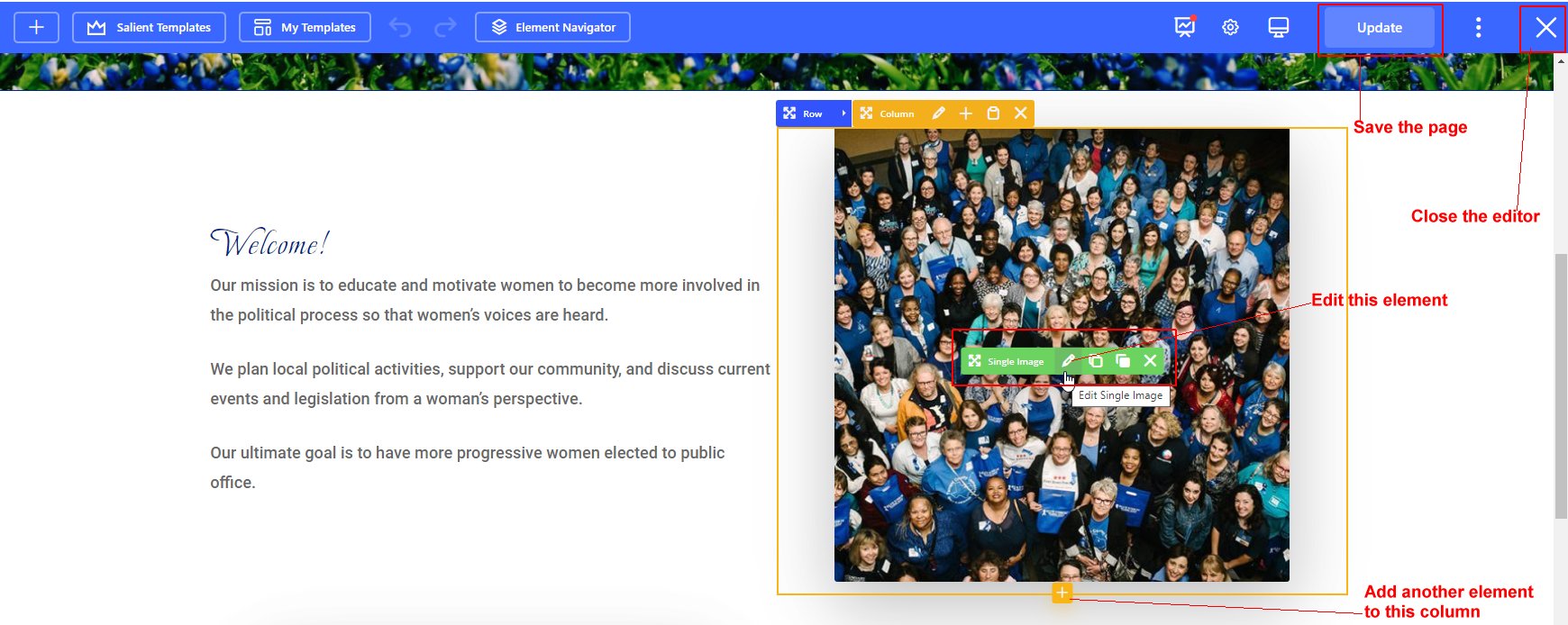
Use the Edit with WPBakery Page Builder link to use the frontend interface that replaces Beaver Builder we previously used.
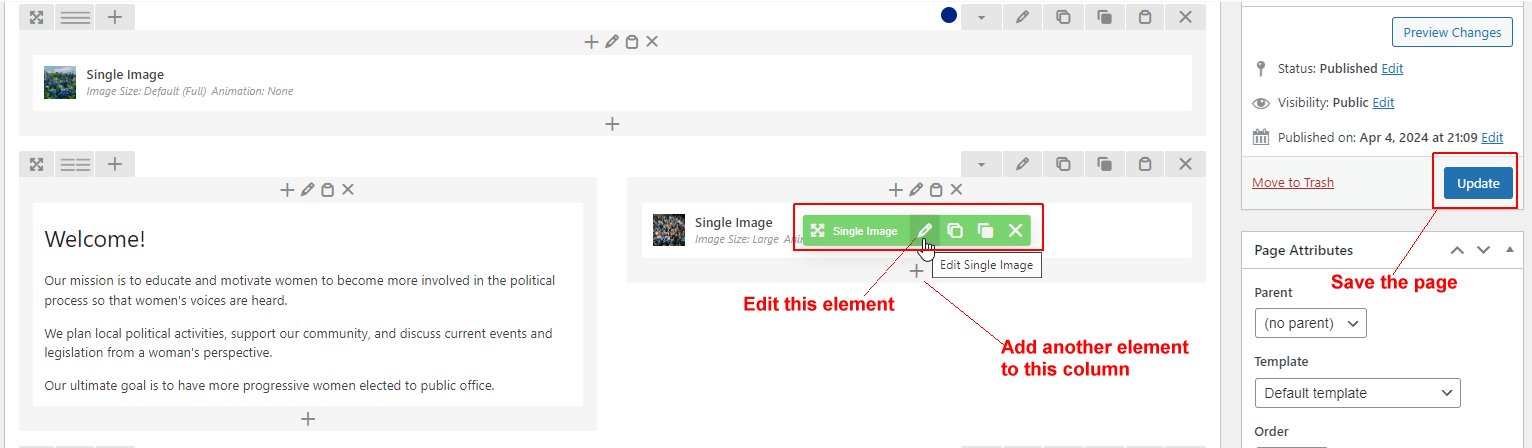
Use the Edit Page link to use the backend interface on the Admin side.
Use the Edit with WPBakery Page Builder link to use the frontend interface that replaces Beaver Builder we previously used.
Use the Edit Page link to use the backend interface on the Admin side.

Hover over the element you wish to update and click the Edit icon in the control bar.
Make and Save your changes.
Click the Update button to save the page.
Click the large X to close the editor.
Hover over the element you wish to update and click the Edit icon in the control bar.
Make and Save your changes.
Click the Update button to save the page.