Single Image

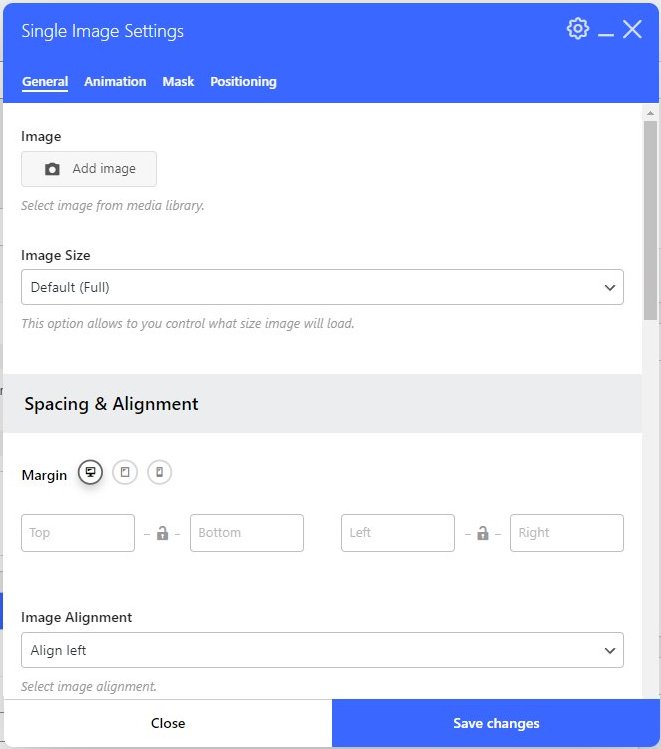
Click the Add image button to select an image from the Media Library or upload a new one.

You can adjust the Image Size with the selections in the dropdown. Note the image size will automatically be contained within the size of the column.

The Image Alignment dropdown allows you to select the vertical placement of the image within the column.
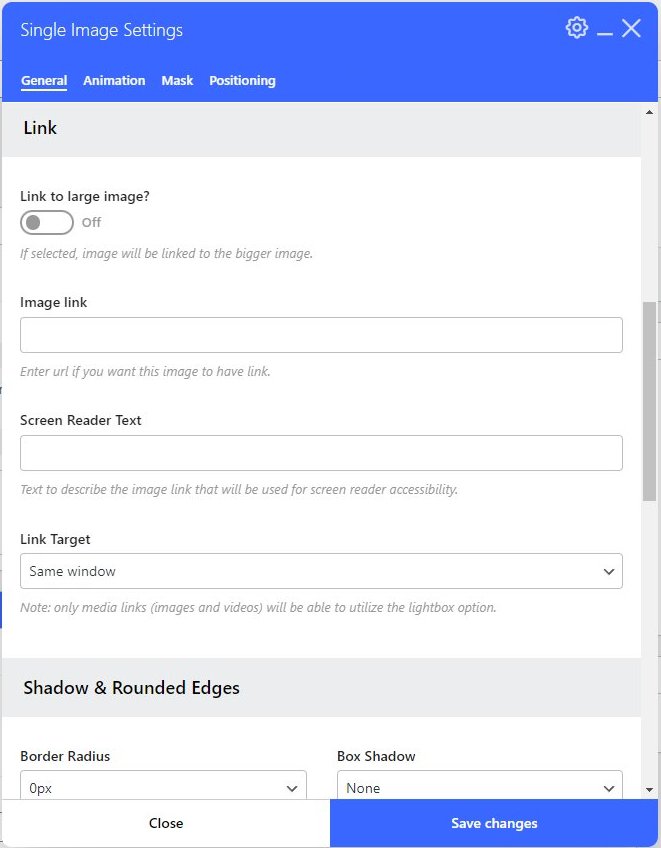
Scroll down for these options:

The Image link text box allows you to add a link to the image. This must be the full URL like https://somesite.com/image.jpg.

The Screen Reader Text allows you to add a description of the image. This is the same as using the Alternative Text you can assign to your images in the Media Library.

The Link Target allows you to define if you want the link to open in the same window or a new tab.

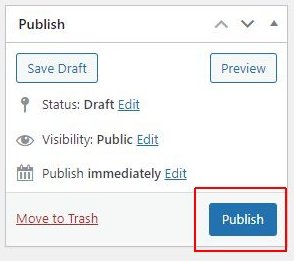
Click the Publish (or Update) button in the right navigation area to save all the changes to the page.