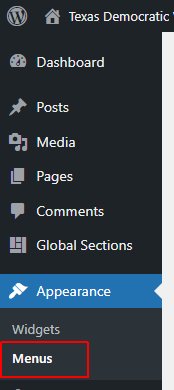
Navigate to Appearance > Menus in the left navigation bar.
Editing the Menu
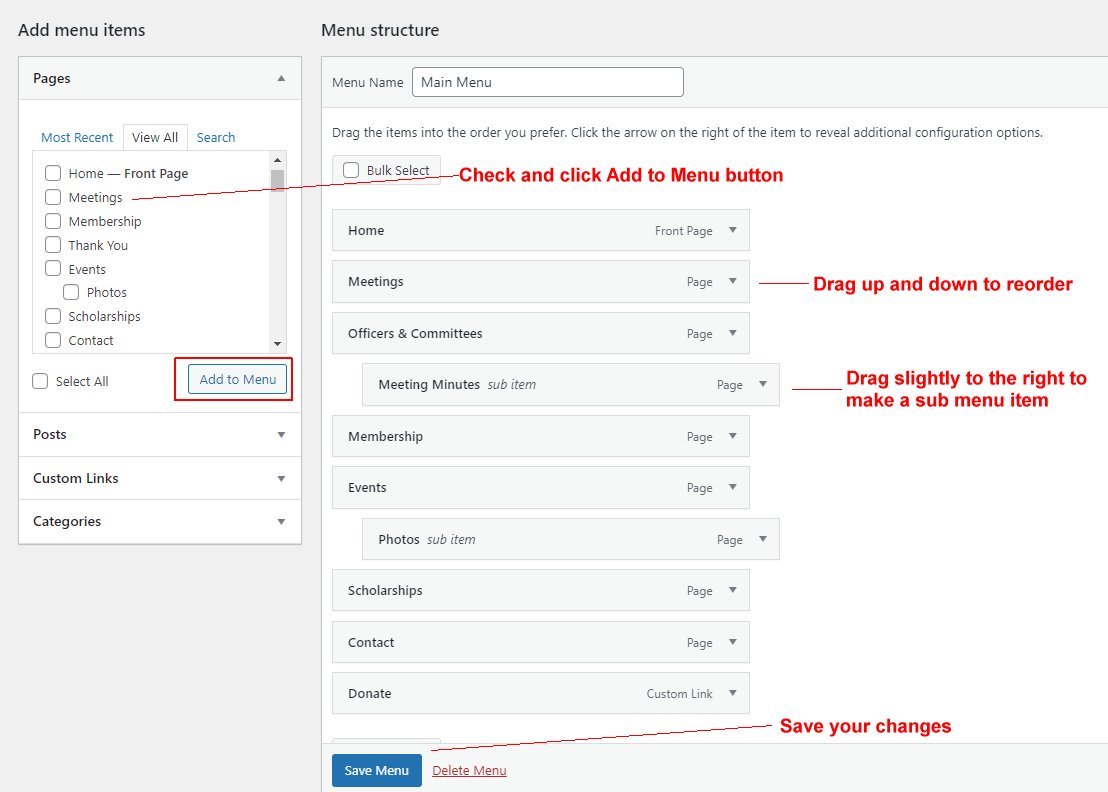
Check the box next to the page you want to add to the menu.
Drag the menu item up or down to reorder how they appear on the website.
Drag a menu item slightly to the right until it sticks as an indented item to make the menu item appear in a dropdown menu under the parent item.
Click the Save Menu button to apply your changes.
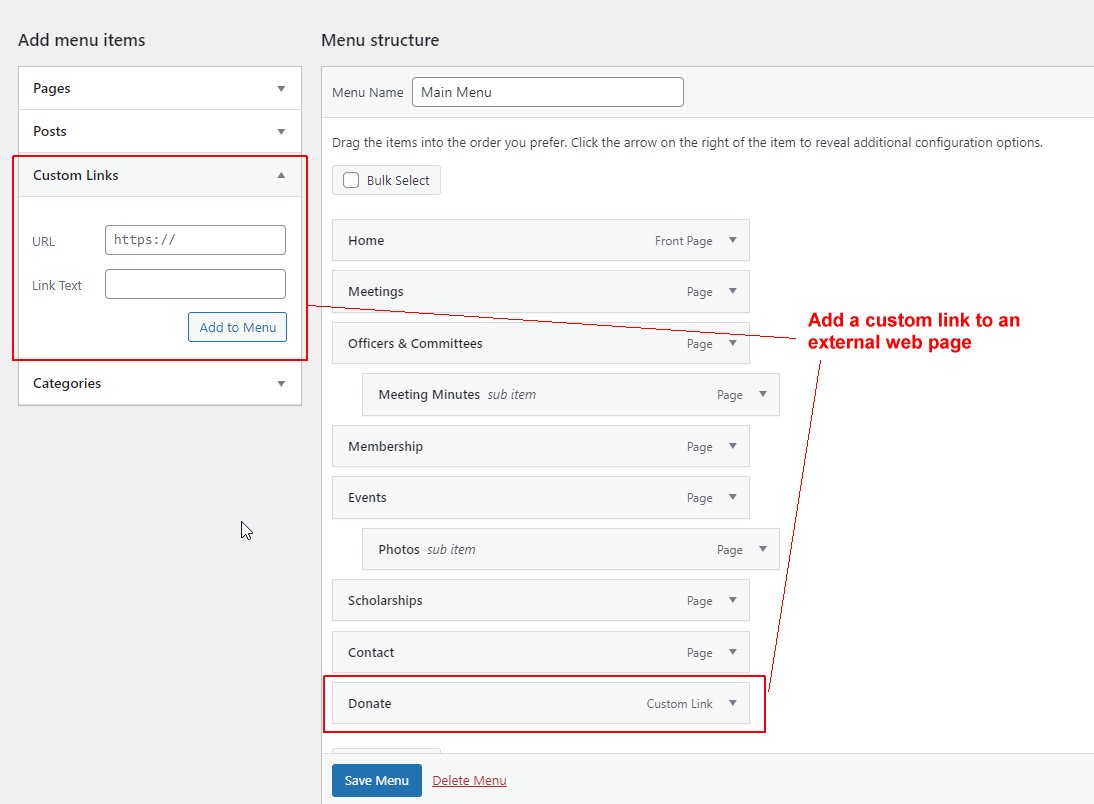
If you want to add a link to an external website (like ActBlue for donations), enter the full URL and Text in the Custom Links section to the left.
Click the Save Menu button to apply your changes.